Lockdown Control controls the Lockdown of all readers / doors in a pre-configured area. Prior to using the Lockdown Control screen, you must configure Lockdown Areas and Threat Levels.
Lockdown Areas are configured under Access>Lockdown Areas. Threat Levels are configured under Administration>Threat Level Management. See Lockdown Area or See Threat Level Management
Important Note: Threat Levels are based off Lockdown Areas, so you MUST configure Lockdown Areas prior to configuring a Threat Level.
Upon creating Lockdown Areas and Threat Levels, they will display in the Lockdown Control screen as per below.
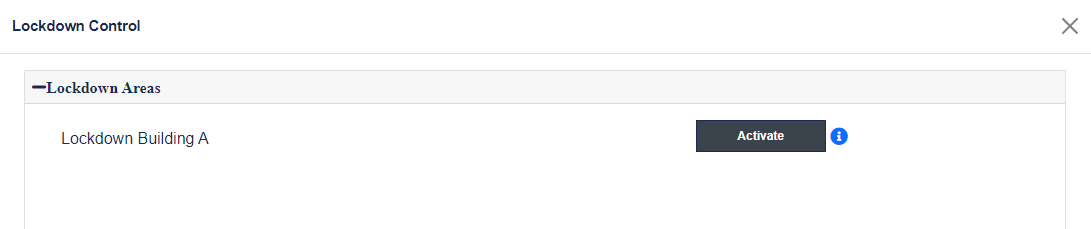
Activate Lockdown
Upon configuring Lockdown Areas, click Activate for the Lockdown Area you would like to lock down. Press Deactivate to return to normal.
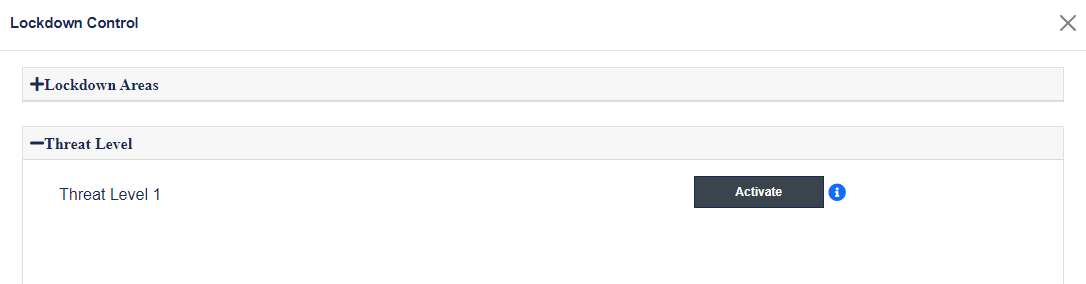
Activate Threat Level
Upon configuring Threat Levels, select the Threat Level on the right you wish to activate and click Activate. Press Deactivate to return to normal.
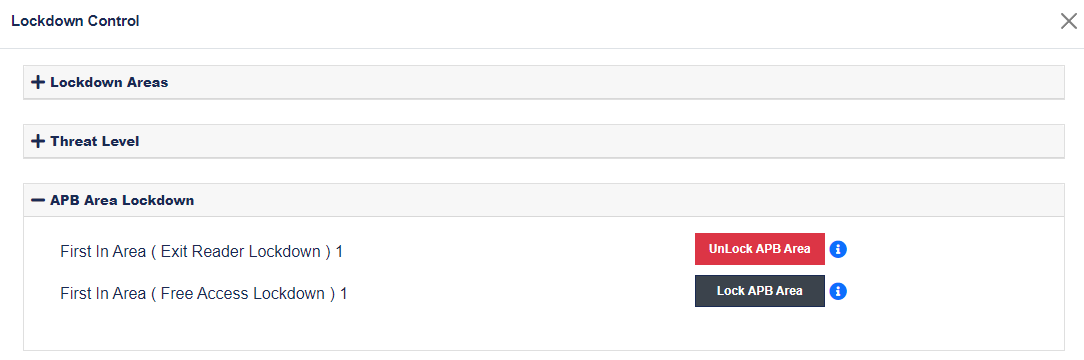
Unlock / Lock APB Area
Upon configuring APB Areas you can manually lock down an area that was put into free access, as well as, unlocking an area that locked down by APB Controls.